Handle With Care
A downloadable game for Windows
Handle With Care
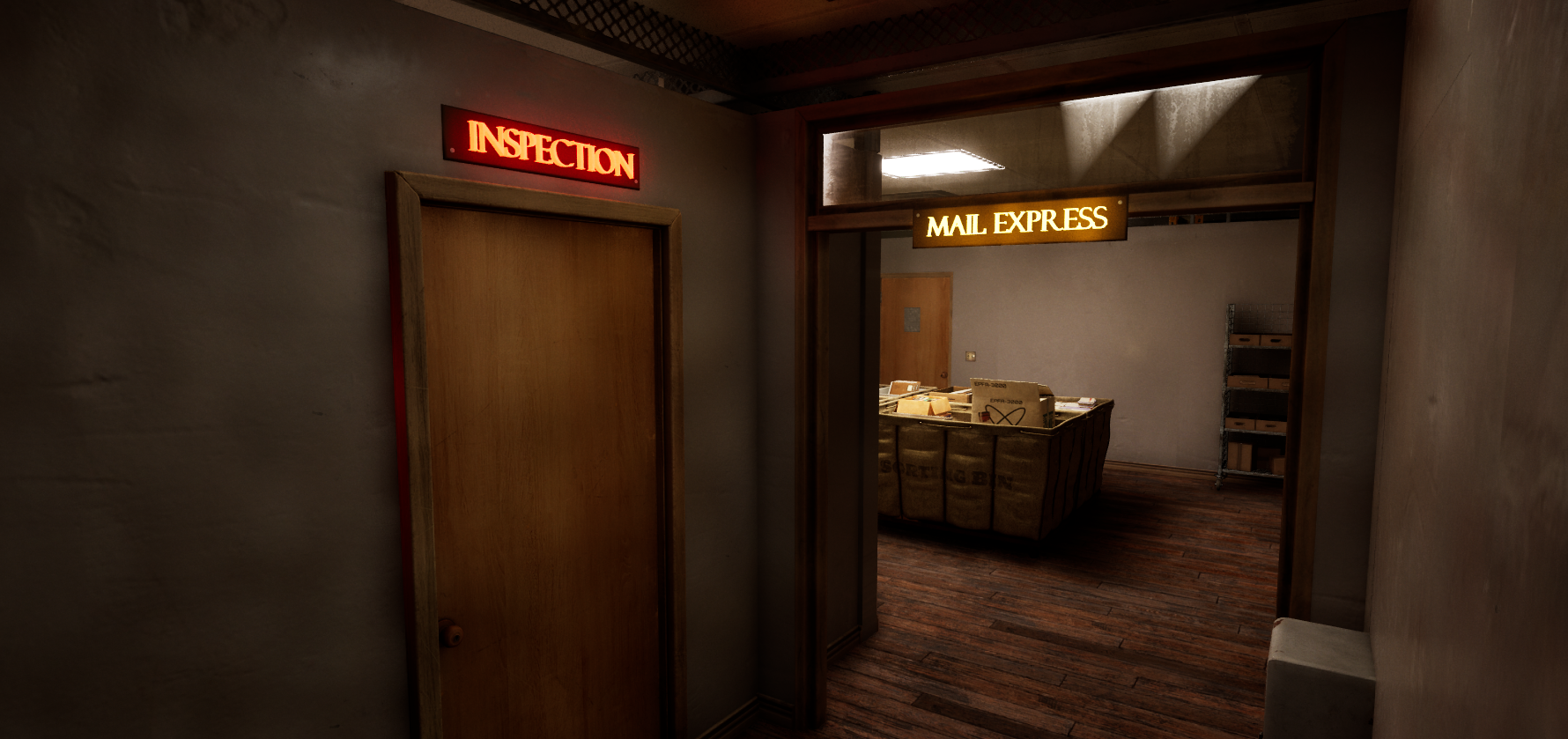
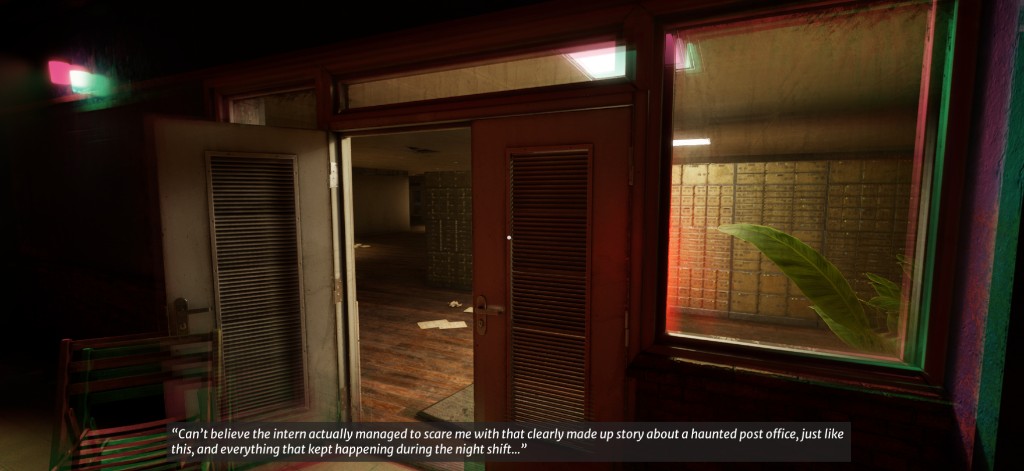
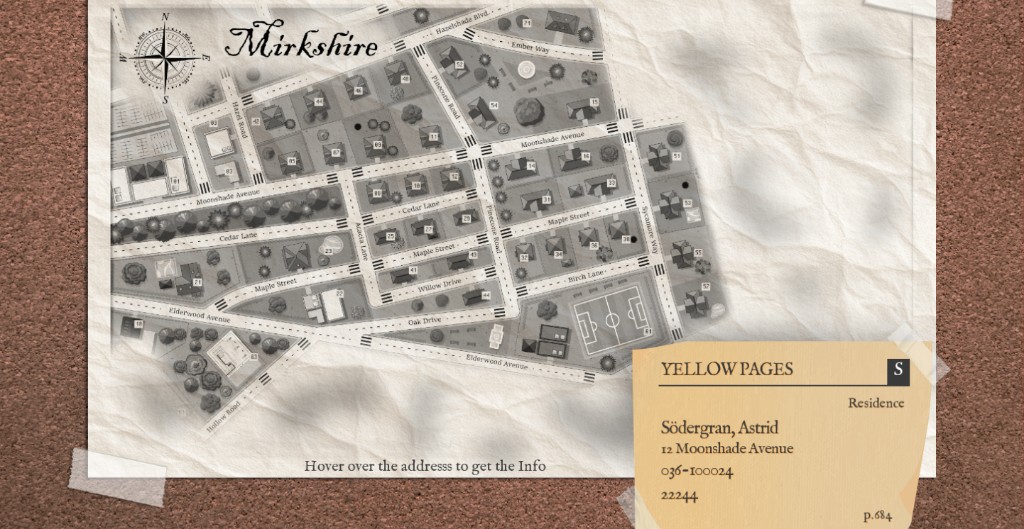
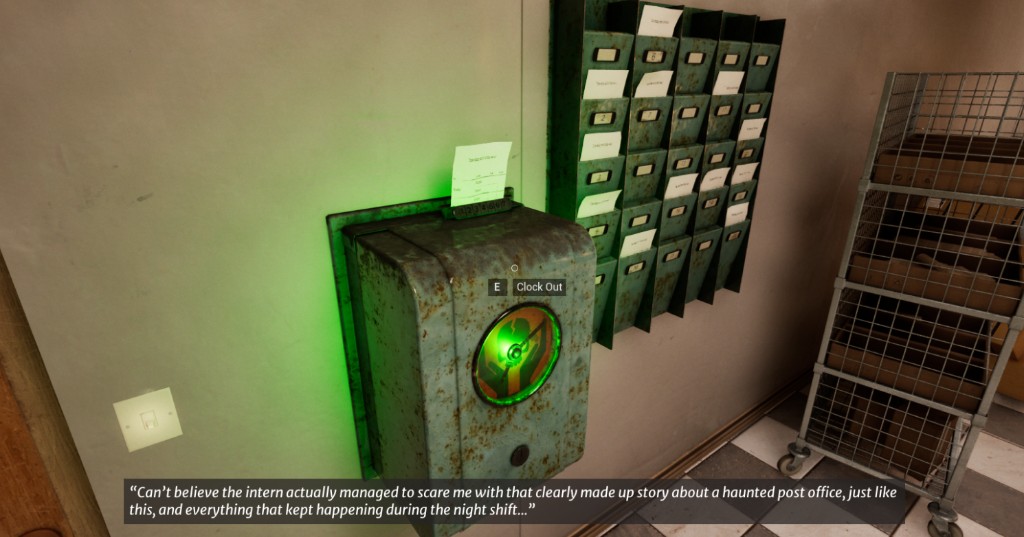
You are a post office worker in the small town of Mirkshire. Over the years you’ve become a reliable employee who finishes their work on time and ensures the local townspeople receive their packages as scheduled, but recently complaints have been steadily increasing. Packages have been tampered with, addresses are falsely labeled, and some are even covered in blood and scratch marks… The amount of work has been overwhelming for the whole postoffice, and your boss has decided to reschedule you to work night shifts in hopes that you can improve the situation, but it doesn’t take long for you to realize that you’re not alone. Someone, or something is messing with you.
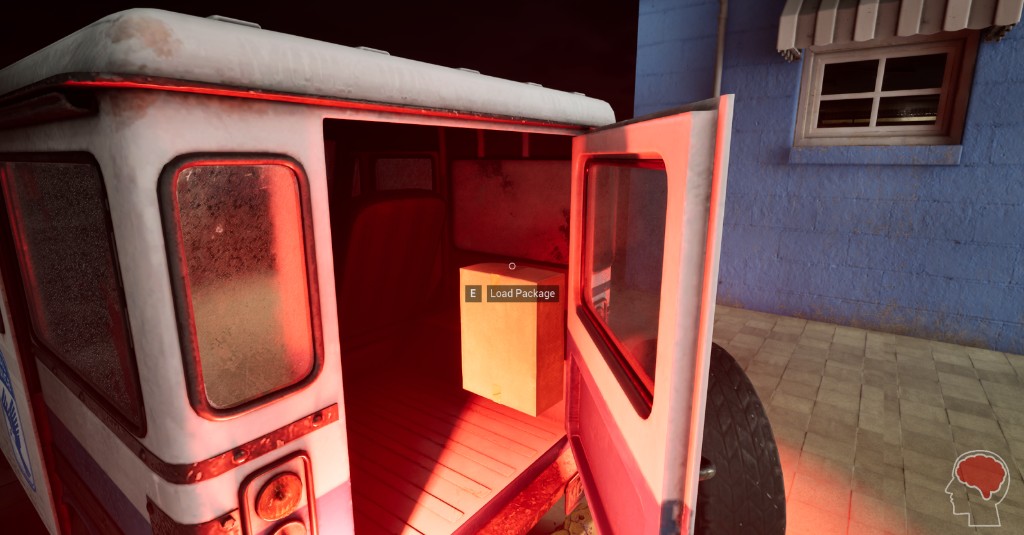
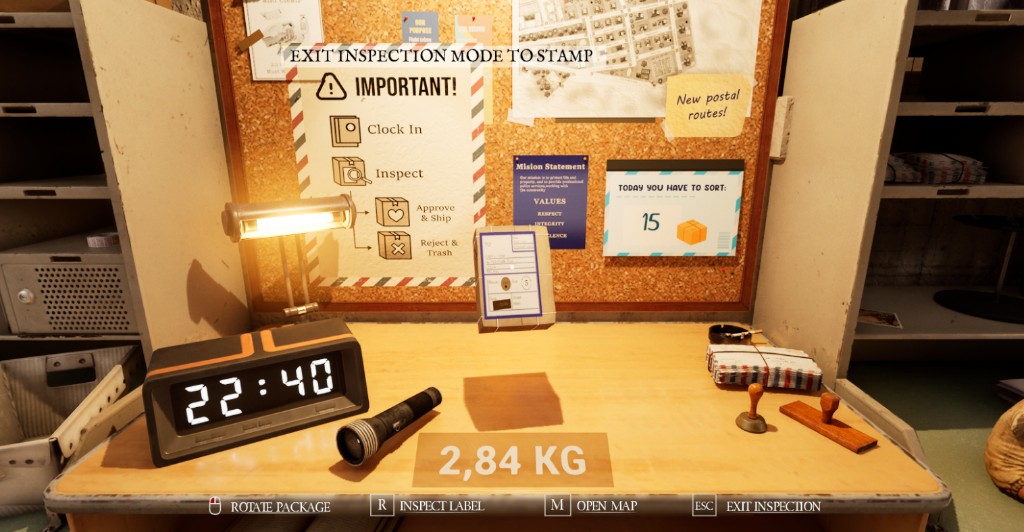
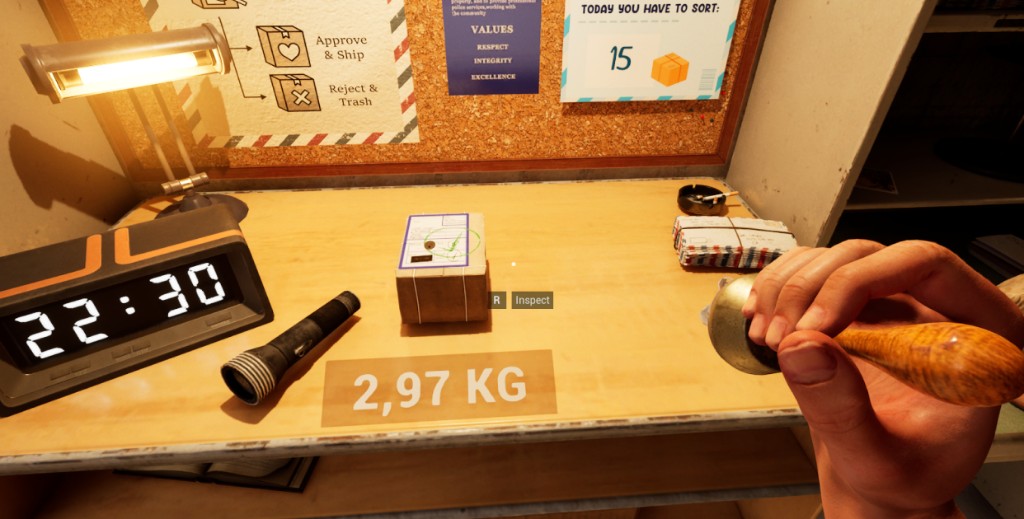
Your job is to inspect and sort packages in time for the morning delivery, look carefully for any signs of tampering and stamp with the appropriate stamp before you ship it or throw it away. But beware, make a mistake and your sanity might slowly slip away.
Do your job and do it well, good luck.
Controls
WASD - Movement
Shift - Sprint
E - Interact
R - Inspect
F - Toggle flashlight
M - Open map
G - Drop package
Q - Toggle held item
Credits
Handle with Care was a student project by Studio 5 at FutureGames with the theme "What's in the box".
Martina Sandelin
Product Owner
Assisting Programmer
Assisting Game & UI Designer
AI Programmer
Ramona Intilla Meurling
Lead Programmer
UX & UI Designer
Music Producer and Writer
Hanna Leinonen
Lead UI Designer
Programmer
Tania Chavez
Programmer
UI Designer
2D Artist
Jasin Bajram
Level & Environment Designer
Matilda Eriksson
Game & SFX Designer
Writer
Download
Install instructions
- Download the installer
- Run HandleWithCare_Setup.exe
- Launch Handle With Care from start menu or desktop shortcut.
Comments
Log in with itch.io to leave a comment.
Hello! So I am having an issue as soon as I get into the game. I clock in, grab the flashlight but I can't find any packages to pick up. I have tried any I can see. Mainly the ones directly behind the desk and the ones in the casing. Am I missing a step? My first time loading the game was buggy and didn't give any of the dialog on the bottom and the sensitivity was low. After reloading it did fix those, I am just having an issue with actually finding what packages to pick up. Also, is the music safe for recording? I didn't see an option to turn if off just in case. If there are any in game walkthroughs to guide you I don't believe they are showing properly.
Thanks!